Link access
Share a public link, with or without search engines
The simplest of the four modes and the one a site starts in: anyone holding the URL opens the page. What people actually come here to ask is the second half — whether a page open to anyone with the link has to be a page that turns up in Google. It does not, and those are two separate switches.
Two switches, not one
No gate at all
Anyone with the URL
No account, no password, nothing between the click and the page. Where a new site starts, and the right answer for anything you would be glad to have read more widely than you sent it.
Hidden from search
A separate switch
Open to everyone you send it to, and served with a noindex so it stays out of results. Two different decisions, so they are two different settings.
Read-only, or open to notes
Viewer or commenter
A public site hands every visitor the same role. Pick viewer for something published and finished, commenter when the link is going out for review.
Hidden from search is worth knowing about even if you never use it, because it is the setting people go looking for the access modes to solve. A conference handout, a page sent to a mailing list, a draft shared with forty people — all of those want to be open to whoever holds the link and absent from results, and none of them needs a gate.
One URL, before and after the switch
One site, one address, and one signed-out browser window kept open throughout. Nothing below is a different page — check the address bar in all three.
The site started private, which is what someone you had not invited saw when the link reached them:
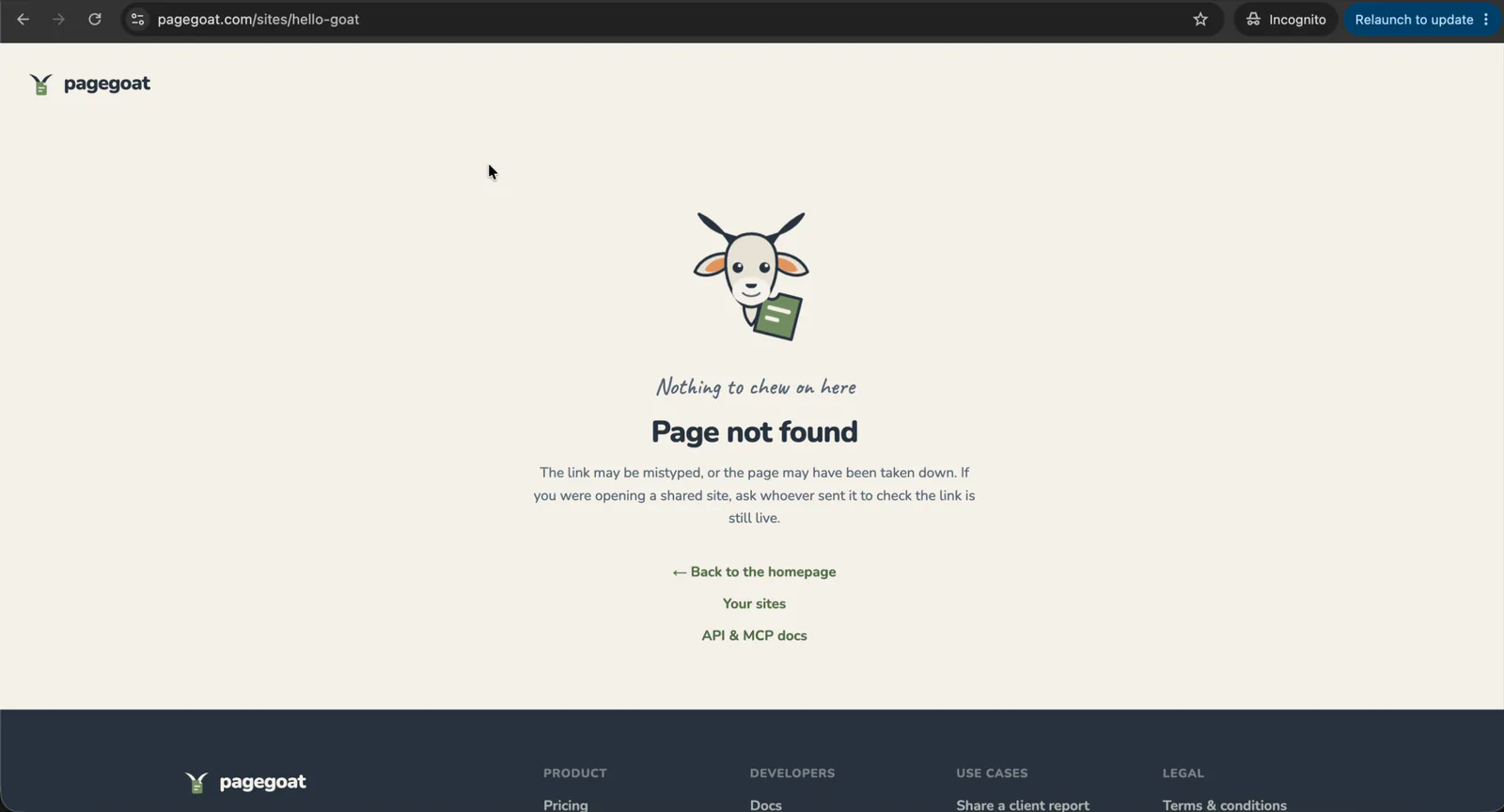
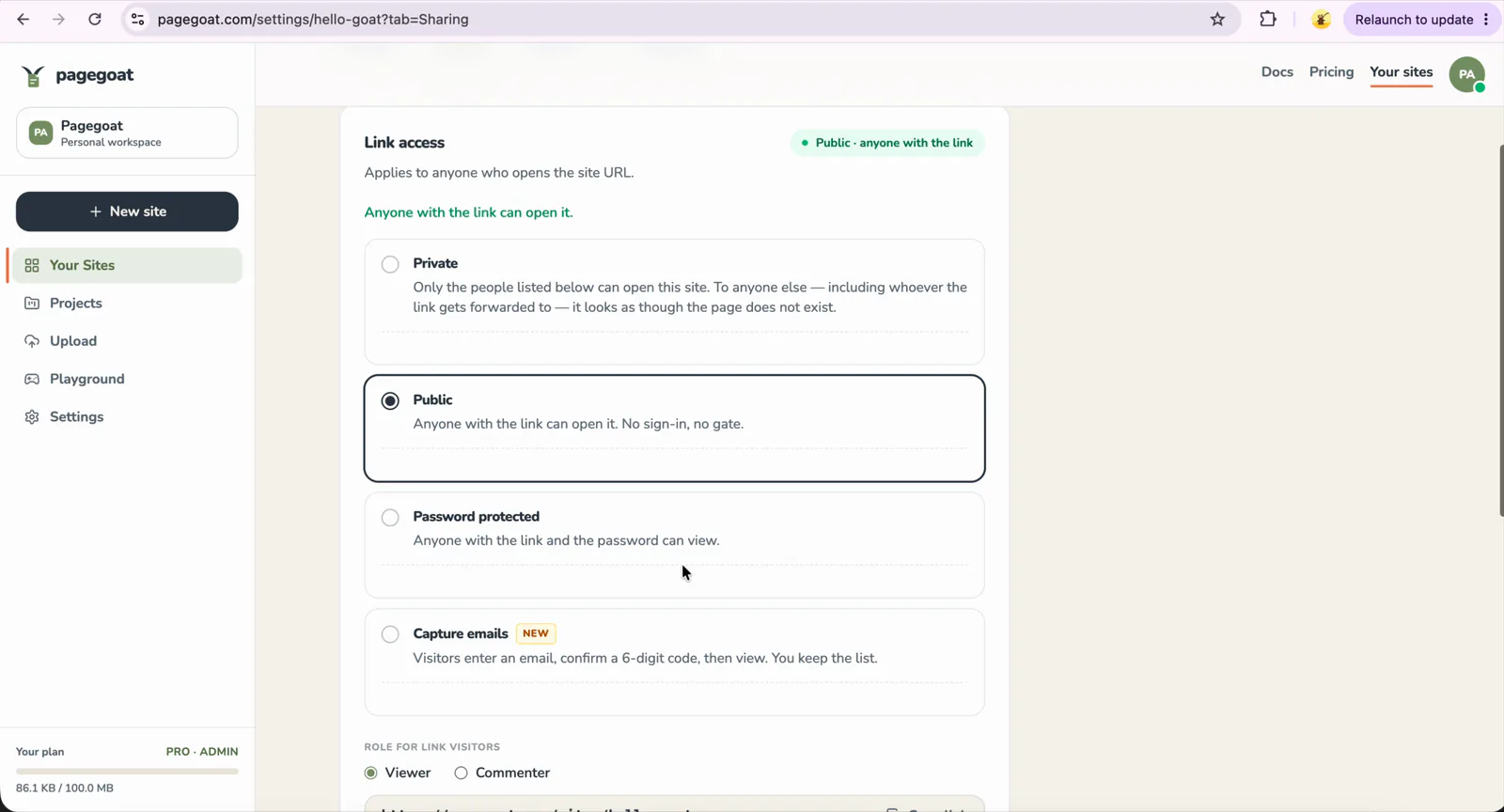
Then Settings → Sharing, and Public. It applies on save; the slug is not part of the decision and does not move:
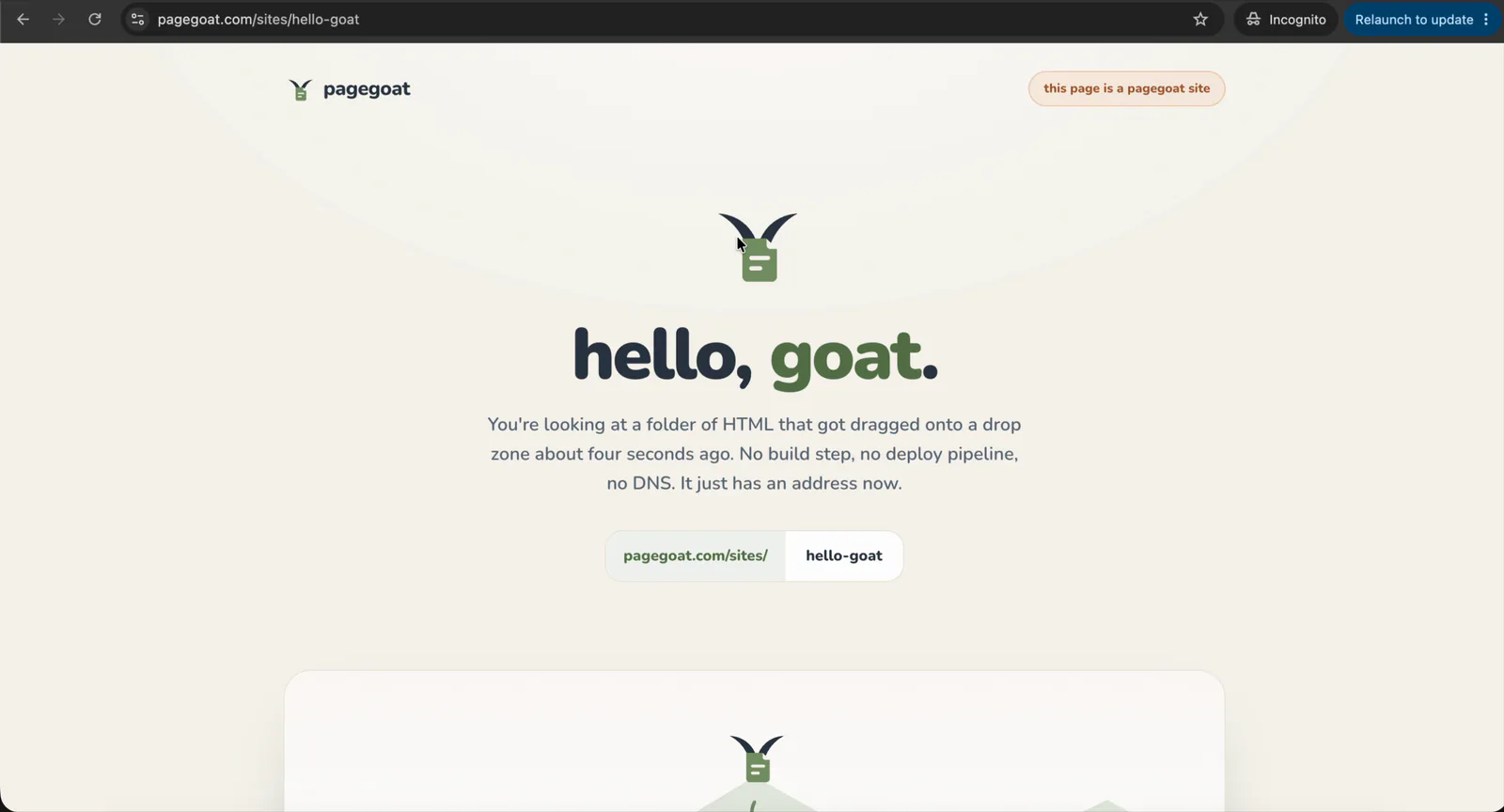
Same window, same address, reloaded. No account, no password, no interstitial:
An unguessable URL is not privacy
This is the part worth being blunt about, because the mistake is common and the cost of it is somebody else's document. A slug nobody could guess protects you from one thing: a stranger typing the address. It protects you from nothing else.
The link is readable by whoever it gets forwarded to, by whatever mail system or group chat carried it, by any browser extension your reader has installed, and by anyone reading over their shoulder on a train. Once it is out, it cannot be called back — there is no revoking a URL that a hundred people already have.
So the test is simple. Ask what happens if the wrong person opens this. If the answer is nothing much, public is right and you should stop worrying about the slug. If it is anything else, the URL is not the control you want, and one of the other three modes is — each of which survives the link being passed on, because each asks the person holding it for something the link alone does not carry.
- A password — one shared secret, sent down a different channel from the link.
- Named people — access attached to a person rather than a string, revocable one at a time.
- An email address first — when you are happy for anyone to read it and the point is knowing who did.
Questions
Can I keep a public page out of Google?
Yes — mark the site hidden from search, and it is served with a noindex instruction while staying open to anyone you send it to. This is a separate switch from the access mode on purpose, because "anyone with the link may read this" and "this should turn up in results" are different decisions and most people want the first without the second. Note that the flag only means anything for a public site: the three gated modes serve a crawler the same refusal they serve any other unauthenticated visitor, so they have nothing to index either way and the setting is redundant there.
Is a URL nobody can guess private?
No, and this is the mistake worth spending a paragraph on. An unguessable slug protects you from someone typing the address; it protects you from nothing else. The link is readable by whoever it gets forwarded to, whatever mail system or group chat carried it, any browser extension your reader has installed, and anyone looking over their shoulder. It cannot be revoked once it is out. If the answer to "what happens if the wrong person opens this" is anything other than "nothing much", the URL is not the control you want — use a password, name the people, or ask for an email, all of which survive the link being passed on.
Can anyone leave comments on a public page?
That is yours to set. A public site hands every link visitor the same role, and you choose which: viewer, where readers see the page and existing comments but cannot add to them, or commenter, where anyone holding the link can select a passage and leave a note against it. Commenter is the setting that makes a public link useful for review and the one to avoid on anything you have published and moved on from, since it is open to whoever finds the URL. It can be changed at any time, and turning it down does not delete the comments already left.
Will AI crawlers read my public page?
Some are allowed to and some are refused, and the split is by what they do with what they take. Crawlers that build search and retrieval indexes are allowed, because those are where citations come from and blocking them costs visibility while protecting nothing. Crawlers that fetch a page because a person just pasted the link and asked an assistant about it are allowed too, since refusing them would break the exact thing a shared link is for. Crawlers that collect training data are refused across all hosted sites: publishing a document here is not consent to train on it. A site marked hidden from search is out of scope for all of them.
Put it up, send the link
Publishing starts at $2.99/month. Change your mind later and the mode moves without the URL going with it.
your-page.pagegoat.site
See plans